Pizza Catering: POS Features You Need
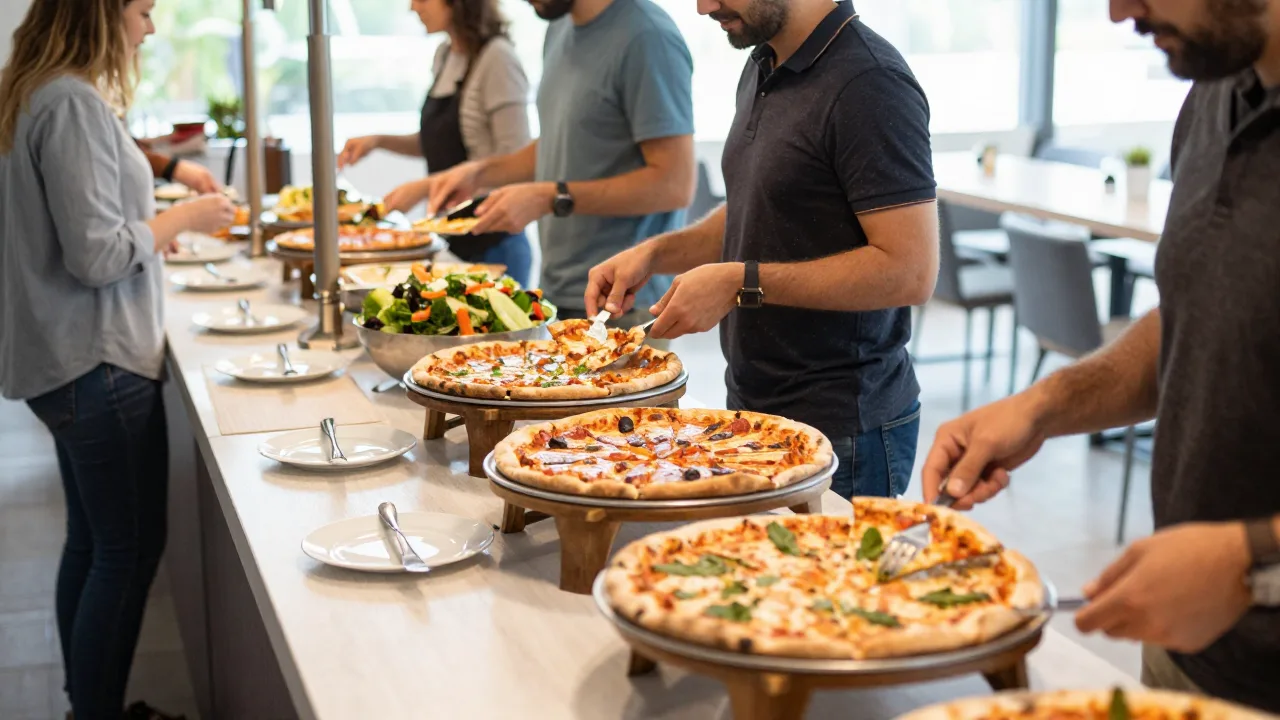
Catering is one of the most profitable revenue channels a pizzeria can add. Average catering tickets run three to five times higher than a dine-in table, and repeat corporate clients can anchor a significant portion of monthly revenue. But catering is operationally complex: large orders placed days or weeks in advance, partial deposits, custom menu builds, production coordination, and payment collection at events where your standard countertop terminal stays back at the shop.
Your POS system is either an enabler or a bottleneck. The right feature set turns catering into a streamlined, scalable operation. The wrong one — or no catering module at all — means spreadsheets, phone tags, and missed details on event day.
Why Catering Demands a Different POS Workflow
In-store orders live and die within the hour. A customer orders, the kitchen makes it, it goes out. Catering orders span days or weeks from booking to fulfillment. During that window you need to track the customer commitment, collect partial payment, confirm quantities, schedule production, and execute delivery or on-site service. A POS that cannot handle time-deferred orders and multi-stage payment collection forces you to manage catering outside the system entirely — creating split records, reconciliation errors, and lost revenue.
The 7 Core Catering POS Features
Here is what separates a catering-capable POS from a standard one:
1. Future-Dated Order Entry and Event Calendar
The POS must accept orders with a future fulfillment date — not just "today." A calendar view showing all booked events by date lets managers plan labor and ingredient orders without a separate spreadsheet. Color-coded events by status (deposit received, fully paid, in production, fulfilled) give at-a-glance visibility.
Look for automatic conflict detection: if you have a maximum catering capacity on a given Saturday, the system should warn you before you overbook. Some platforms also allow customer-facing catering request forms that flow directly into POS as draft orders awaiting confirmation.
2. Deposit and Split Payment Handling
Catering deposits are standard practice — typically 25 to 50 percent of the total at booking, with the balance due on delivery. Your POS needs to:
- Accept a partial payment at booking and record the outstanding balance
- Send an automated payment reminder as the event date approaches
- Allow the balance to be collected via card on file, mobile reader, or invoice link
- Apply the deposit to the final ticket automatically so reconciliation is clean
Without this, staff collect deposits outside the POS (cash, Venmo, or a check) and try to manually reconcile later. This creates reporting gaps and unpaid balances that fall through the cracks.
3. Custom Catering Menu Pricing
Catering pricing is fundamentally different from retail pricing. You sell by the pie, by the tray, by the head count, or by a combination. Your POS menu needs a separate catering price list that can be applied to catering orders without affecting in-store pricing.
Key capabilities include per-person package pricing (e.g., $14 per person, minimum 20), tray-based pricing with size modifiers, and the ability to bundle items (pizzas plus salad plus drinks plus disposables) into a single catering package line item. The system should also support custom notes per item so dietary requests survive from order entry through the kitchen.
| Pricing Model | Best For | POS Requirement |
|---|---|---|
| Per-person package | Corporate lunch, school events | Guest-count multiplier field |
| Per-pie / per-tray | Office parties, family events | Bulk quantity entry |
| Custom quote | Weddings, large venues | Manual price override with approval |
| Bundle package | All-inclusive events | Combo builder with sub-items |
4. Production Planning and Prep Sheets
Large catering orders require production planning that begins hours or even the day before the event. Your POS should generate a catering production sheet that lists every item, quantity, size, topping combination, and required completion time. This replaces handwritten lists and reduces the chance of an overlooked item discovered only when loading the van.
The best systems integrate catering production schedules with inventory deductions, so your stock levels reflect what has been committed to upcoming events. This prevents the scenario of selling ingredients in-store that you needed for a Saturday catering run.
Example scenario: a pizzeria moving 8 to 12 monthly catering events off the notebook
Illustrative scenario — a composite example built to show how the numbers work. It does not describe a real business or customer.
Consider a pizzeria managing 8 to 12 catering events per month entirely by phone and notebook. After implementing a catering module in its POS, it reduces order errors by 70 percent, collects deposits on 100 percent of bookings (up from 60 percent), and adds two new corporate clients who specifically cite the professional email confirmation system as the reason they book. Monthly catering revenue increases from $11,000 to $18,500 within four months.
5. Mobile Payment Collection On-Site
When your team delivers to a venue, they need to collect the remaining balance. A Bluetooth card reader paired with a mobile POS app lets staff process the payment on-site, email the receipt, and close the order — all without returning to the shop first.
Look for offline processing capability in the mobile app. Venues and event spaces often have unreliable Wi-Fi. If the payment app requires a live internet connection, you may be unable to process the final payment when you need it most.
6. Automated Client Communication
Professional catering clients expect confirmation emails, reminders, and receipts. A POS with built-in catering communication workflows sends:
- Order confirmation with full itemized summary within minutes of booking
- Deposit receipt immediately after payment
- Event reminder 48 hours before with order details and contact information
- Balance due reminder 24 hours before the event
- Delivery confirmation and final receipt on fulfillment
Automating this communication signals professionalism and reduces inbound calls asking "did you get my order?" It also reduces no-shows and last-minute cancellations by keeping clients engaged.
7. Catering Reporting and Profitability Tracking
Catering should appear as its own revenue category in your POS reports, separate from dine-in, delivery, and pickup. This lets you evaluate catering profitability independently, identify peak catering periods for staffing, and calculate the true food cost and labor cost per event.
Key catering reports to run monthly:
- Revenue by catering category (corporate vs. private vs. recurring)
- Average order value and guest count trend
- Deposit collection rate and outstanding balances
- Most popular menu items across events
- Labor hours allocated vs. revenue generated
Evaluating Your Current POS for Catering
Ask these questions when assessing whether your existing system can support catering growth:
- Can I enter an order with a fulfillment date 30 days from now and have it appear on a calendar?
- Can I collect a partial payment now and the balance later without creating two separate tickets?
- Does the system generate a production sheet organized by event time?
- Can my staff process payments with a mobile reader away from the restaurant?
- Does catering revenue show separately in my end-of-day and monthly reports?
If the answer to two or more of these is no, your current POS is limiting your catering revenue potential. Upgrading to a system with a dedicated catering module is typically recoverable within 60 to 90 days through incremental catering bookings alone.
Integration with Online Catering Requests
An increasing share of catering inquiries arrives through your website rather than by phone. A POS with a catering request widget allows customers to submit event details, guest count, preferred menu, and contact information online. The POS creates a draft quote that your team confirms and converts into a booked order. This reduces phone time and captures leads that would otherwise be lost outside business hours.
Upgrade to KwickOS
The complete restaurant technology platform — POS, catering, delivery, payments, and more.
Start Free Trial →Become a KwickOS Reseller
Earn recurring commissions selling the complete KwickOS platform to restaurants in your area.
Reseller Program →